


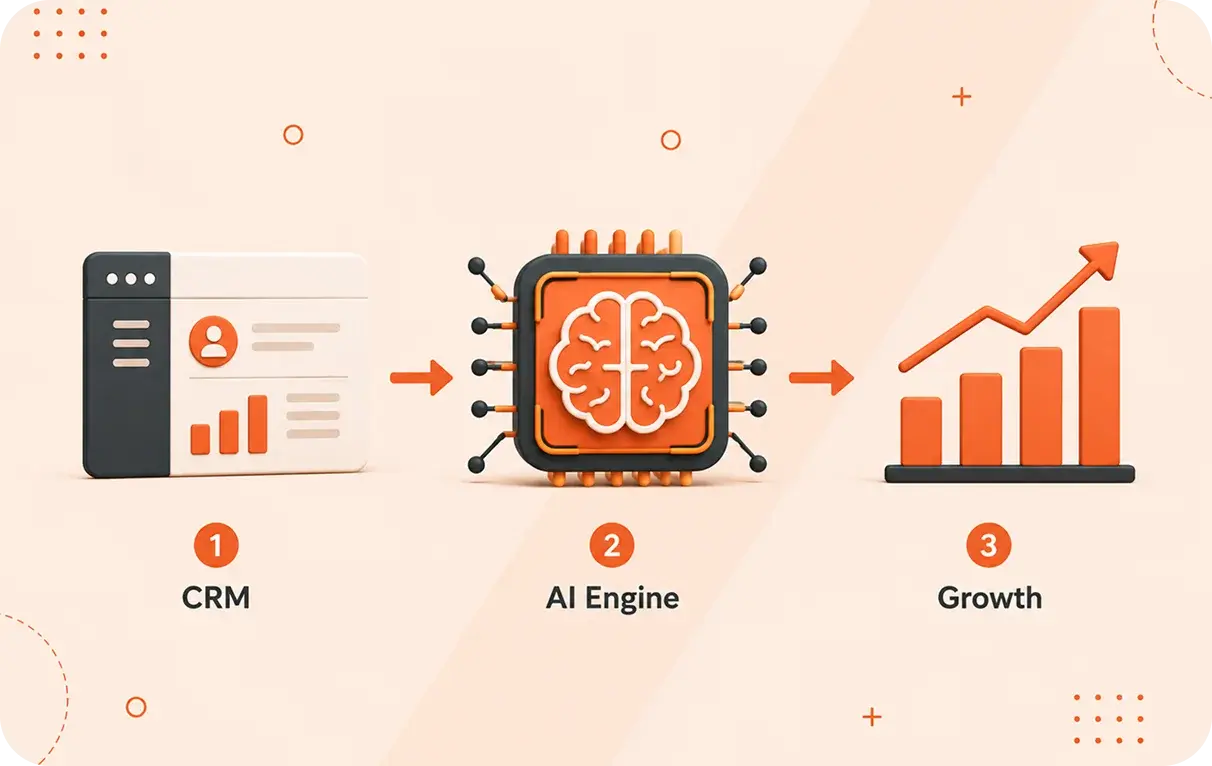
We have a competitive business market across the globe, and there are many businesses like small and medium enterprises, that must grow and work smartly. To get the desired results, there are effective ways to do so through integrating the Power of AI in CRM with a CRM platform that brings automation, scalability, and real-time metrics like HubSpot CRM.
HubSpot is termed as one of the most powerful and yet flexible user friendly crm. It is now more enhanced with AI-powered capabilities, which can transform how you keep your data, manage leads, deal segmentation, and serve customers, making it a smarter business decision.
Here’s we provide a step-by-step guide to help you implement AI in your HubSpot CRM — without tech overwhelm.
What “AI in CRM” Means for Your Business
When we mention AI in CRM’s, we are talking about using smart features empowered by artificial intelligence to make your CRM do more than just storing your database.
Opting for the right AI tools integrated into your CRM system, time-consuming tasks, like scoring leads, following up, forecasting, and getting customer insights all of these can be automated or improved with data driven suggestions
And when you bring that to HubSpot CRM, you get an intuitive platform that’s made for growing teams.
Step 1: Define What You Want From AI + HubSpot
Let’s start with your goals before jumping into features.
Ask yourself:
- Do I want lead follow-ups to happen more quickly?
- Is it taking too long to perform manual tasks?
- Do I need more insight into sales success and consumer behavior?
Lead prioritization, sales automation, predictive analytics, and customer engagement tracking are the first priorities for most SMEs.
You may select and personalize the best AI CRM tools in HubSpot by being explicit about your objectives.
Step 2: Make Sure Your HubSpot CRM Is Set Up Right
HubSpot excels because of its ease of adoption. However, make sure your fundamental CRM base is strong before implementing AI:
✔ Companies and contacts are arranged
✔ Deal stages are specified
✔ Tasks and activities are regularly monitored
✔ Integrations (email, calendar, forms) are linked
This tidy configuration guarantees that the data underlying your AI features provides insightful information rather than jumbled noise.
Step 3: Use AI Features in HubSpot to Work Smarter
To get more improved performances as HubSpot enables a lot of integrations with cutting-edge AI CRM applications, and it has integrated all the AI capabilities.
Here are some useful applications for them:
-
Lead Predictive Scoring
Your Sales team may focus on high-value possibilities by using AI’s analysis of previous trends to identify which leads are likely to convert.
-
AI-Generated Content
AI can help you in creating emails, chat responses, and many content recommendations, and in HubSpot Marketing and Sales hub more quickly than if everything were typed by hand.
-
Automation and Workflows
Let’s leave redundant processes like data updates, lead assignment, and also sending follow-up reminders to get more AI-enhanced workflow automation.
Your team spends more time enriching relationships with less time on repetitive tasks and thanks to all of these capabilities.
Step 4: Clean & Organize Your Data (It Matters)
The Quality of AI depends on the data it utilises.
Prior to depending on predictions and automation:
Delete all the duplicate contacts, channelize data inputs, complete any missing properties and appropriately identify leads and customers.
If you are sure that HubSpot AI tools will give more reliable results and accurate recommendations.
Step 5: Train Your Team to Use HubSpot + AI
When your staff is at ease and comfortable with the new technology, will it be effective?
Hubspot is well known for its simple and easy-to-use interface, it is still important to:
-
Introduce team to new AI capabilities and how to use it
-
Describe how AI recommends
-
It signifies consistent usage of metrics, insights and reporting dashboards
Adoption increases and outcomes occur when your staff is aware of how AI helps them in their work.
Step 6: Analyze, Adjust, and Improve
Implementing an ai-powered CRM like HubSpot isn’t a one-time project — it’s a continuous process.
If you are trying to implement an AI-powered CRM like HubSpot, it's not a one-time task - it's an ongoing process.
Regular activities to keep on track:
➡ Evaluate your key metrics
➡ Monitor lead conversion rates
➡ Adjust workflows based on results
➡ Update processes as your business grows
Small improvements over time lead to big gains. AI thrives with consistent feedback and usage; it gets smarter the more you use it.
Minor continuous improvements over time that lead to big gains. AI thrives with consistent feedback and usage, with time it gets smarter and easier to use when you are using HubSpot actively.
Check our blog on: SEO ->AEO ->GEO
Final Thoughts
Integrating AI in CRM — especially when paired with a platform like HubSpot CRM — can be a real accelerator for SMEs. You don’t need to be a tech expert to benefit. With clear goals, clean data, proper training, and ongoing refinement, your business can leverage AI CRM tools to increase efficiency, generate higher quality leads, and deliver better customer experiences.
At StraightGrowth, we help businesses implement HubSpot CRM with the right AI enhancements — tailored to your goals and growth plans.
Ready to leverage AI in CRM? Let’s grow and succeed together!